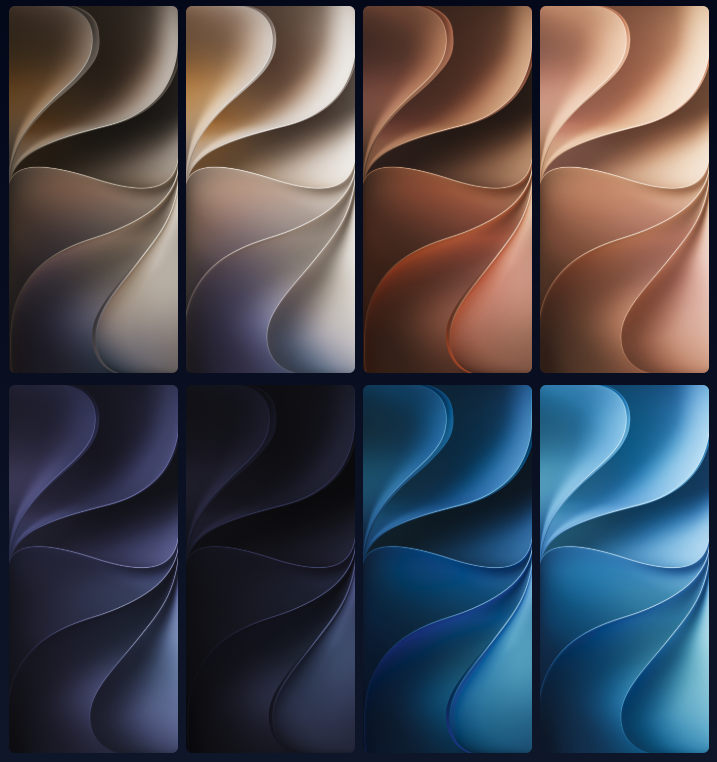
Whenever a major software update is announced, the desire to experience its fresh design is a completely natural excitement for any tech enthusiast. Apple’s new iOS 27 developer release comes with stunning visuals that capture exactly this feeling. However, to enjoy this innovation, there is absolutely no need to deal with risky beta versions or even be locked into a specific ecosystem.
Thanks to the universal appeal of great design, you can bring the brand-new official iOS 27 and iPadOS 27 wallpapers directly to your screen, whether you are using an Android phone, an older iPhone, or a tablet.
How to Install?
To save the new designs to your device, tap one of the download links above. The image will open in a new tab. On your iPhone, long-press the image until a menu appears, then select “Save to Photos” or “Add to Photos”. On a desktop, right-click and choose “Save Image As.”
Once downloaded, open the Settings app on your iPhone and navigate to Wallpaper. Here, you can tap “Add New Wallpaper”. You can set a separate image for both your Lock Screen and Home Screen. Alternatively, you can long-press on your Lock Screen, tap the Plus icon in the bottom right, and choose your new image from the Photos library to enter the wallpaper editor.