
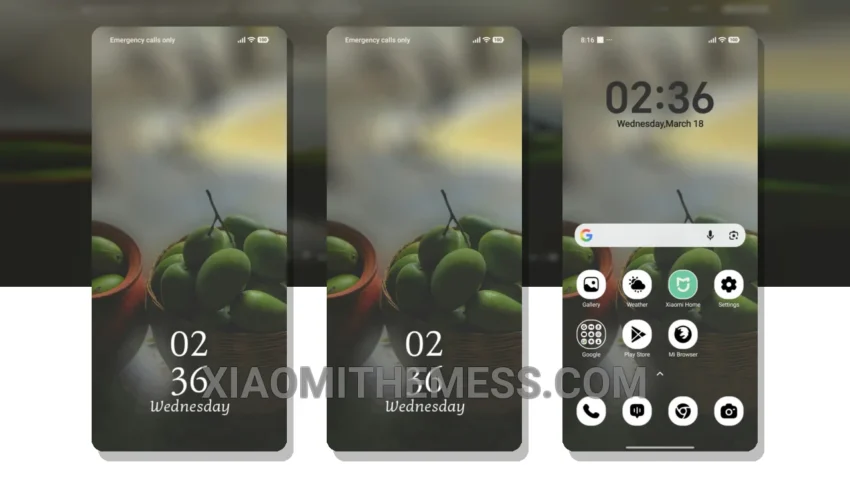
I love the simplicity of the Orchard Bowl theme. It’s a great Xiaomi theme that is easy to use every day.
The theme is fully compatible with HyperOS, MIUI 12, MIUI 13, and MIUI 14, making it a great option for Xiaomi and Redmi phone users.
One of the best things about this theme is its clean interface, which makes it easy to navigate and find what you need.
The theme also supports 120Hz smooth animations, providing a lag-free experience.
However, some users may find the theme’s design to be a bit too minimalistic.
To apply the MTZ theme, simply download the theme file and go to the theme store to select and apply it.
In my testing, I found the Orchard Bowl theme to be a great option for those looking for a reliable and elegant UI.
Theme Information
Theme TitleOrchard Bowl MTZ theme and How To Apply MTZ Theme
Authorsumi7t
Size4.54 MB
CompatibilityHyperOS, MIUI 12, 13, 14
Views0
Rating⭐ 5.0 / 5.0 (1 votes)
🛠️ How to Install This MTZ Theme
- Download the MTZ file to your device.
- Open the official Themes app and go to your profile.
- Import & Apply the downloaded file.