
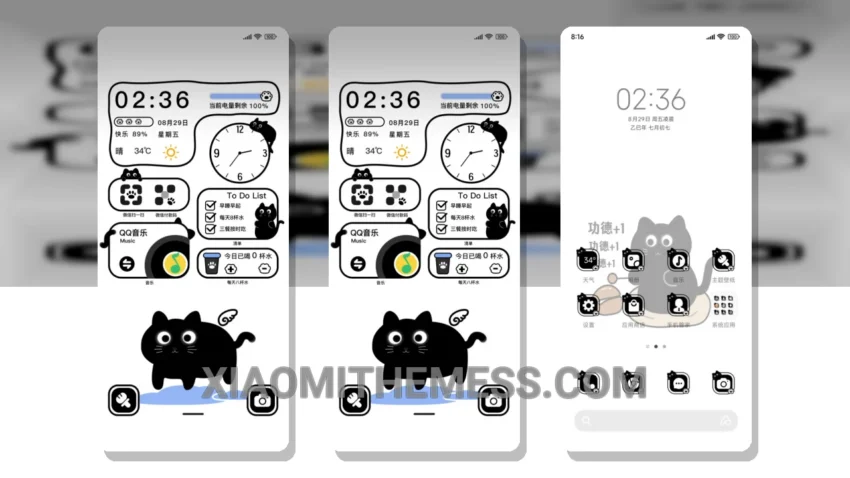
I love clean lines and pastel colors. The Cute Buddhist Black Cat Double Screen theme is a great example of this aesthetic.
The theme is fully compatible with HyperOS, MIUI 12, MIUI 13, and MIUI 14, making it a great option for Xiaomi device users.
The minimal vibrant design of the theme is perfect for those who want a clean and simple look on their device.
One of the best things about this theme is its ability to provide a unique and personalized experience for the user, with customization options and a clean interface.
However, the theme’s size may be a concern for some users, as it is 6.54 MB, which could be a problem for devices with limited storage space.
In my testing, I found the theme to be smooth and lag-free, with 120Hz smooth animations that made navigation a breeze.
To be honest, I’m really impressed with the Cute Buddhist Black Cat Double Screen theme, and I think it’s a great option for anyone looking for a minimal and aesthetic theme for their Xiaomi device.
Theme Information
🛠️ How to Install This MTZ Theme
- Download the MTZ file to your device.
- Open the official Themes app and go to your profile.
- Import & Apply the downloaded file.