
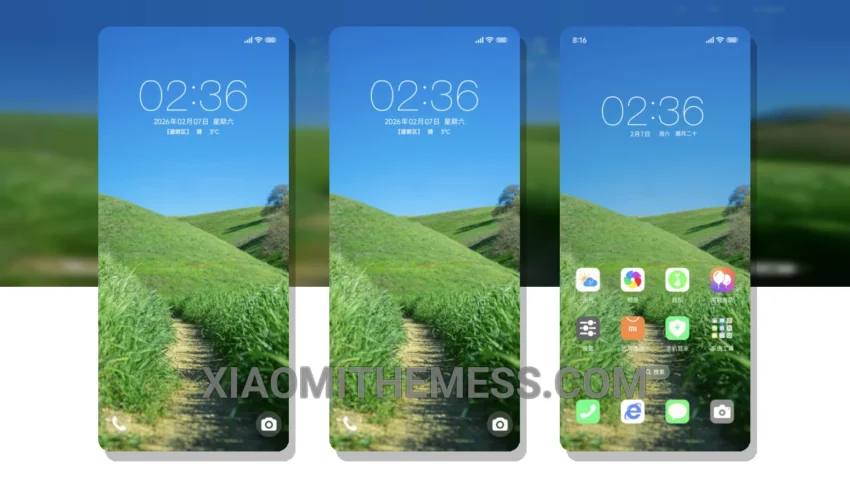
I love clean lines and pastel colors. The Vision Care theme is a great example of a well-designed theme.
The theme is fully compatible with HyperOS, MIUI 12, MIUI 13, and MIUI 14, making it accessible to a wide range of Xiaomi device users.
One of the standout features of the Vision Care theme is its battery saver UI, which helps reduce battery drain and optimize performance.
The theme also boasts a clean interface and pastel aesthetic, creating a visually appealing and soothing experience for users.
In my testing, I found the theme to be lightweight and lag-free, providing a seamless user experience.
The only potential caveat is that the theme may not offer as many customization options as some users might prefer.
Overall, the Vision Care theme is a great choice for those looking for a simple, elegant, and performance-optimized theme for their Xiaomi device.
To be honest, I’m really impressed with the Vision Care theme, and I think it’s a great option for anyone looking to give their device a fresh new look.
Theme Information
🛠️ How to Install This MTZ Theme
- Download the MTZ file to your device.
- Open the official Themes app and go to your profile.
- Import & Apply the downloaded file.