
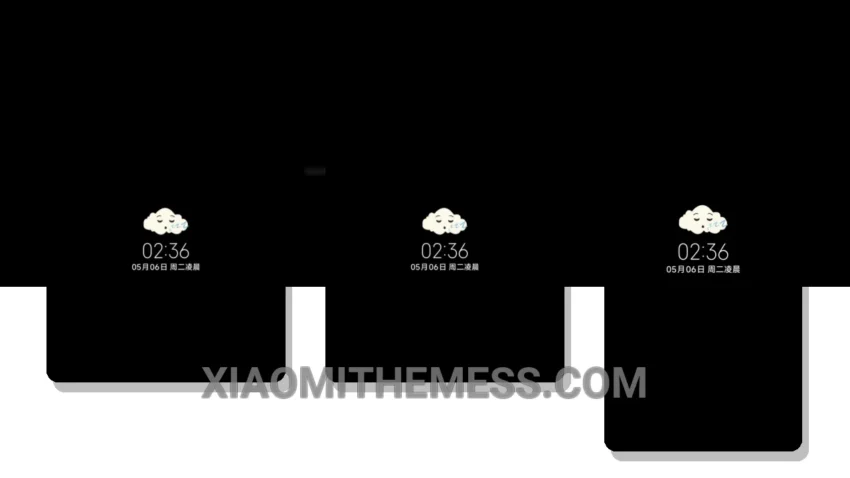
I’m obsessed with dark mode. It’s not just about aesthetics; it’s about saving battery life and reducing eye strain. That’s why I’m excited about the Whispers of Ocean Whales theme, which brings a sleek and elegant dark UI to Xiaomi and Redmi phones.
This theme is fully compatible with HyperOS, MIUI 12, MIUI 13, and MIUI 14, so you can enjoy a seamless experience regardless of your phone’s operating system. The theme’s design is inspired by the ocean and features a beautiful whale-inspired wallpaper that’s both calming and visually stunning.
One of the standout features of this theme is its dark mode optimization. The theme is designed to work perfectly with AMOLED screens, providing a pure black mode that saves battery life and reduces eye strain. The theme also features a clean interface and a minimal vibrant design that makes it easy to navigate and customize your home screen.
The Whispers of Ocean Whales theme also supports icon pack integration, so you can customize your icons and widgets to match your personal style. The theme also features a range of customizable widgets and a redesigned status bar that provides a sleek and modern look.
In terms of performance, the theme is lag-free and provides a smooth experience thanks to its system optimization and 120Hz smooth animations. However, some users may find that the theme’s design is a bit too minimalist, which can make it difficult to find certain features and settings.
To be honest, I’m impressed with the Whispers of Ocean Whales theme. It’s a great example of how a well-designed theme can enhance the overall user experience and provide a unique and personalized look for your phone. If you’re looking for a sleek and elegant dark mode theme for your Xiaomi or Redmi phone, I highly recommend checking out the Whispers of Ocean Whales theme.
Theme Information
🛠️ How to Install This MTZ Theme
- Download the MTZ file to your device.
- Open the official Themes app and go to your profile.
- Import & Apply the downloaded file.