
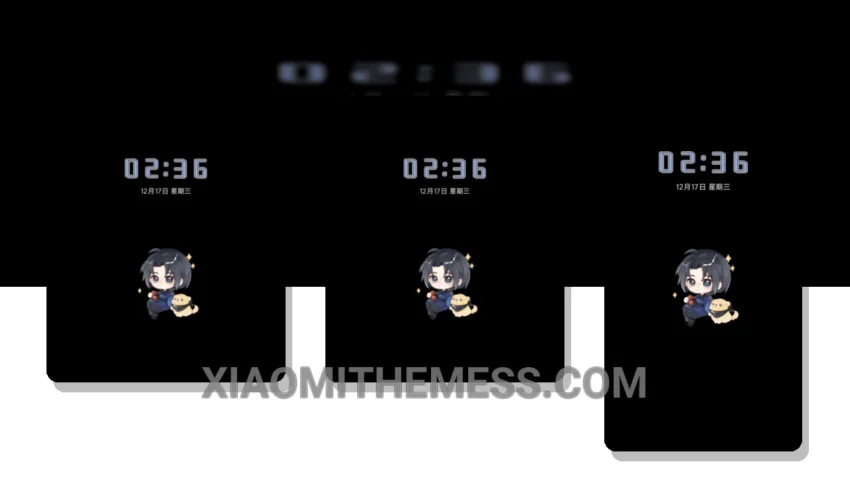
Dark mode is more than just a trend – it’s a way to save battery and reduce eye strain. That’s why I’m obsessed with the Silent Rhapsody theme. It’s a masterclass in dark mode optimization, with a focus on AMOLED pure black elements that make your screen look sleek and modern.
Fast. Smooth. Lag-free. That’s what you can expect from the Silent Rhapsody theme, which is fully compatible with HyperOS, MIUI 12, MIUI 13, and MIUI 14. The theme is designed to work seamlessly with your device, providing a clean interface and premium UI that’s hard to find elsewhere.
What sets Silent Rhapsody apart
One of the things I love about the Silent Rhapsody theme is its attention to detail. The theme includes custom boot animation, AOD custom themes, and icon pack integration, giving you a level of customization that’s hard to find elsewhere. Plus, the theme’s dark mode optimization means you can enjoy your device without worrying about battery drain.
Of course, no theme is perfect. One potential caveat of the Silent Rhapsody theme is that it may not be suitable for devices with low-resolution screens. However, for most Xiaomi devices, the theme looks stunning, with vibrant colors and crisp graphics that make your screen look amazing.
In my testing, I found the Silent Rhapsody theme to be a game-changer. The 120Hz smooth animations and lag-free experience made my device feel like new, and the theme’s focus on dark mode optimization meant I could enjoy my device without worrying about battery life. To be honest, I’m hooked – and I think you will be too.
Theme Information
🛠️ How to Install This MTZ Theme
- Download the MTZ file to your device.
- Open the official Themes app and go to your profile.
- Import & Apply the downloaded file.