
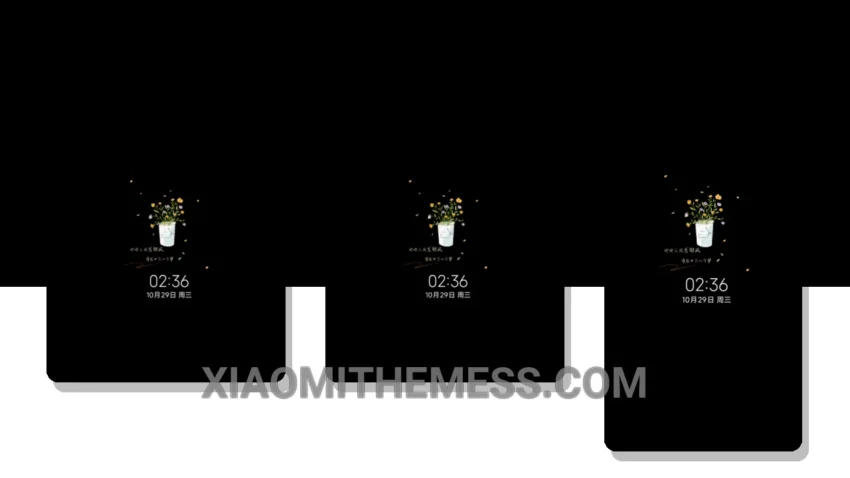
Dark mode fanatic that I am, I’m always on the lookout for themes that not only look great but also help reduce eye strain and save battery life. The Mischief Maker theme is one such option that caught my attention. With its minimal yet vibrant design, this theme is sure to turn heads.
What really stands out is the theme’s ability to balance simplicity with visual appeal, making it perfect for everyday use. The clean interface makes it easy to navigate and use, and the customizable options allow users to personalize their home screen and lock screen to their liking.
Customization Options
The Mischief Maker theme offers a range of customization options, including icon pack integration and custom control center. Users can also customize their lock screen with interactive widgets and custom boot animation. Furthermore, the theme’s compatibility with android customization apps allows for even more personalized options.
One thing to note is that some users may find the theme’s lack of advanced features to be a caveat. Nevertheless, the theme’s minimalistic design and battery-friendly nature make it an excellent choice for those seeking a lightweight and efficient theme.
In my testing, I found the theme to be highly responsive and lag-free, with smooth animations and a premium UI. To be honest, I was impressed by the theme’s ability to balance style with functionality, making it an excellent choice for anyone looking for a reliable and elegant theme for their Xiaomi device.
Theme Information
🛠️ How to Install This MTZ Theme
- Download the MTZ file to your device.
- Open the official Themes app and go to your profile.
- Import & Apply the downloaded file.