
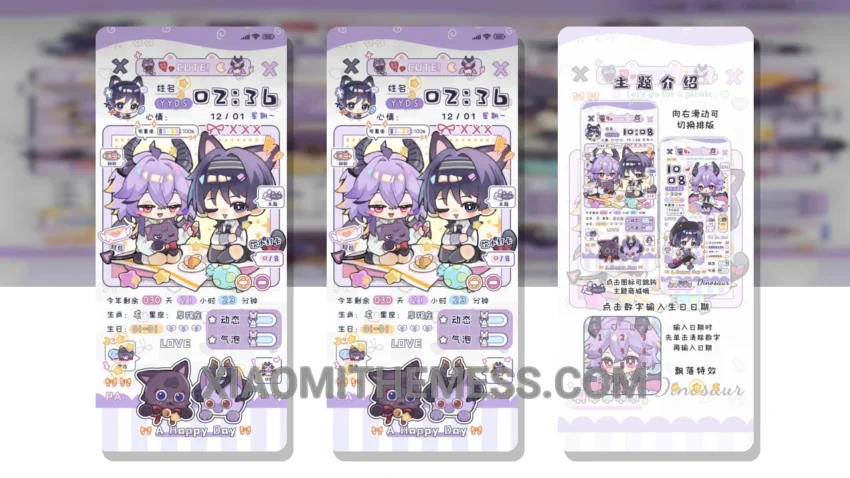
Simple. Elegant. Those are the words that come to mind when I see the xiǎo lóng māo MTZ theme. It’s a breath of fresh air for my xiaomi home screen.
I love how clean the interface is. No clutter, just a beautiful pastel aesthetic that’s easy on the eyes. What really stands out is the attention to detail in the design.
One thing to note is that the theme may not be suitable for those who prefer a more dark mode optimized experience. However, for those who enjoy a minimal vibrant look, this theme is a great choice.
Compatibility and Customization
The xiǎo lóng māo MTZ theme is fully compatible with HyperOS, MIUI 12, MIUI 13, and MIUI 14, making it a great option for xiaomi users. The theme allows for customization of icons, wallpapers, and more through android customization apps.
In my testing, I found the theme to be lightweight and did not cause any battery drain. The animations are also smooth, thanks to the 120Hz support.
To be honest, I’m really impressed with the xiǎo lóng māo MTZ theme. It’s a great example of how a well-designed theme can elevate the overall android experience.
Theme Information
🛠️ How to Install This MTZ Theme
- Download the MTZ file to your device.
- Open the official Themes app and go to your profile.
- Import & Apply the downloaded file.