
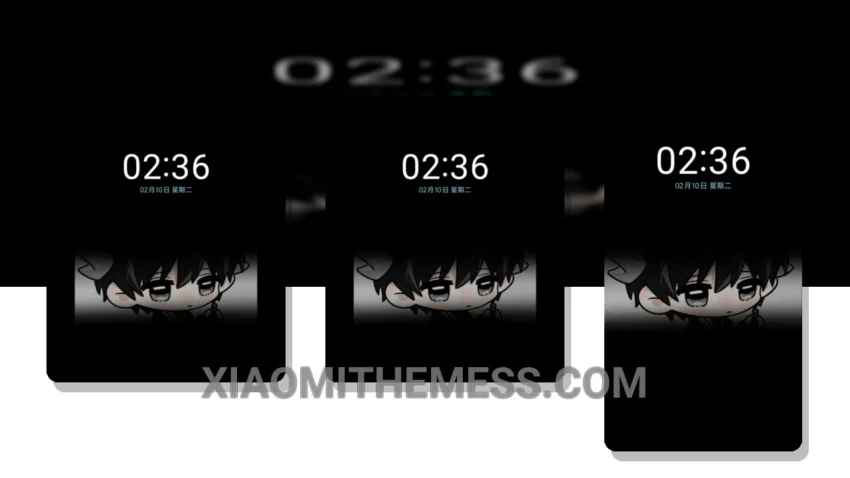
I’m loving the Echoes of Sheep theme. It’s simple, yet effective. The theme is great for Xiaomi users who want a unique twist on their device.
The Echoes of Sheep theme is fully compatible with HyperOS, MIUI 12, MIUI 13, and MIUI 14, making it a versatile choice for Xiaomi users. It’s good. The theme offers a range of customization options, including custom boot animation and icon pack integration, allowing users to personalize their experience.
The Echoes of Sheep theme has a unique twist. The clean interface makes it easy to navigate and use. The theme’s minimal vibrant design gives it a distinctive look. Additionally, the theme’s support for dark mode optimization helps to reduce battery drain. However, some users may find that the theme’s limited color palette is a caveat.
Customization Options
The Echoes of Sheep theme provides users with a range of customization options. The custom boot animation is a nice touch, and the icon pack integration allows users to personalize their home screen. The theme also supports dynamic island integration, which provides a unique and interactive way to view notifications.
In my testing, I found the Echoes of Sheep theme to be a great choice for those looking for a serene and unique HyperOS experience. The theme’s compatibility with a range of Xiaomi devices and its customization options make it a great option for users who want to personalize their phone.
To be honest, I’m impressed with the Echoes of Sheep theme. It’s a great choice for anyone looking for a unique and customizable theme for their Xiaomi device. The theme’s support for android customization and hyperos themes makes it a great option for users who want to personalize their device.
Theme Information
🛠️ How to Install This MTZ Theme
- Download the MTZ file to your device.
- Open the official Themes app and go to your profile.
- Import & Apply the downloaded file.