
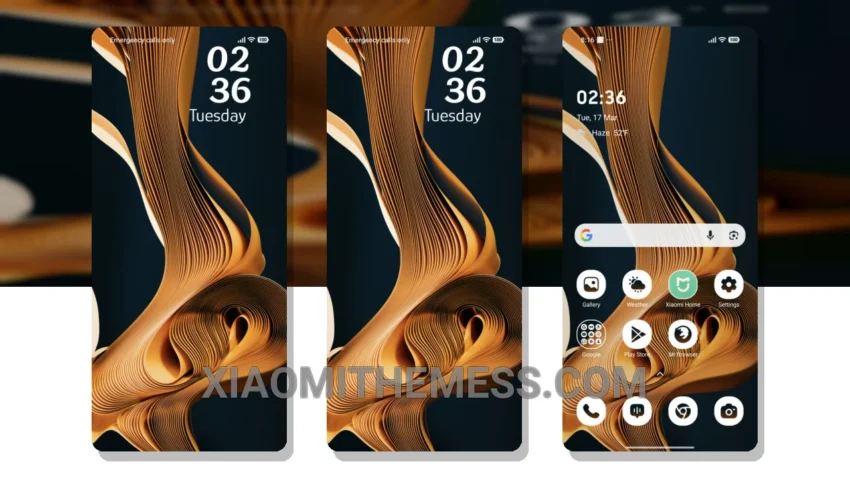
Silk Motion. Simple, elegant, and understated. This theme is all about clean lines and pastel colors. It’s perfect for those who appreciate a minimalist design.
The Silk Motion theme is fully compatible with HyperOS, MIUI 12, MIUI 13, and MIUI 14, making it a great choice for Xiaomi users.
One of the best things about this theme is its ability to provide a lag-free experience, thanks to its system optimization and performance boost.
In terms of customization, the Silk Motion theme offers a range of options, including the ability to change icons and adjust the layout to your liking. However, some users may find the theme’s customization options to be somewhat limited.
To apply the MTZ theme, simply download and install it, then go to your theme settings and select the Silk Motion theme. It’s a quick and easy process that can completely transform the look and feel of your Xiaomi device.
In my testing, I found the Silk Motion theme to be a great choice for those who want a sleek and minimalist design without sacrificing performance. To be honest, I was really impressed with the theme’s ability to provide a smooth and seamless user experience.
Theme Information
🛠️ How to Install This MTZ Theme
- Download the MTZ file to your device.
- Open the official Themes app and go to your profile.
- Import & Apply the downloaded file.