
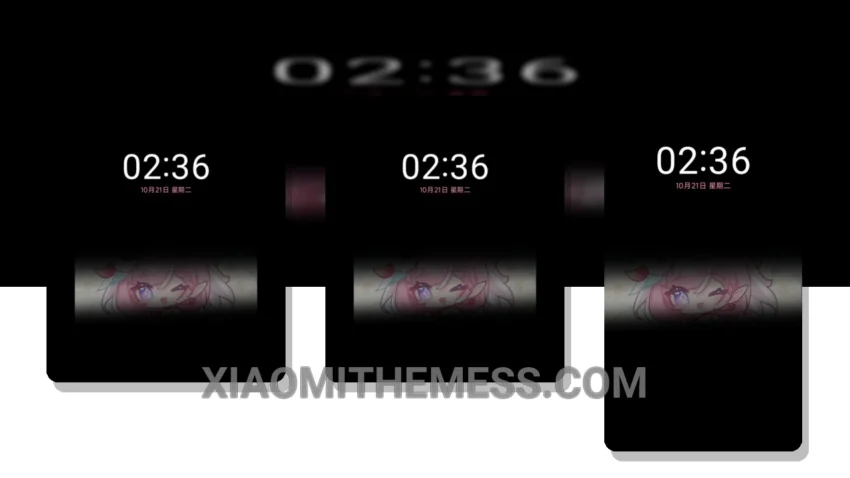
Fast. Smooth. That’s what I need from a theme. The Cute Pink Fairy theme delivers. It’s a great Xiaomi theme that’s fully compatible with HyperOS, MIUI 12, MIUI 13, and MIUI 14.
The theme’s pastel aesthetic is beautifully designed, with a cute pink fairy as the main character. It’s a great choice for those who love minimal vibrant themes. The theme’s size is 20.73 MB, which is relatively small compared to other themes.
One of the highlights of this theme is its lag-free experience. The animations are smooth, and the interface is clean and intuitive. The theme also supports dark mode optimization, which is great for battery efficiency. However, some users may find the theme’s color scheme a bit too bright.
In terms of customization, the theme allows you to customize the icons and launcher to your liking. You can also customize the control center and status bar to fit your needs. The theme’s compatibility with HyperOS, MIUI 12, MIUI 13, and MIUI 14 makes it a great choice for Xiaomi and Redmi phone users.
To be honest, I’m impressed with the Cute Pink Fairy theme. It’s a great choice for those who want a smooth and customizable theme. The theme’s highlights, such as its lag-free experience and dark mode optimization, make it a great option for those who value performance and battery efficiency.
Conclusion
In my testing, the Cute Pink Fairy theme has proven to be a great choice for Xiaomi and Redmi phone users. Its smooth animations, clean interface, and customizable options make it a great option for those who want a premium UI experience. I highly recommend this theme to anyone looking for a great HyperOS theme.
Theme Information
🛠️ How to Install This MTZ Theme
- Download the MTZ file to your device.
- Open the official Themes app and go to your profile.
- Import & Apply the downloaded file.