
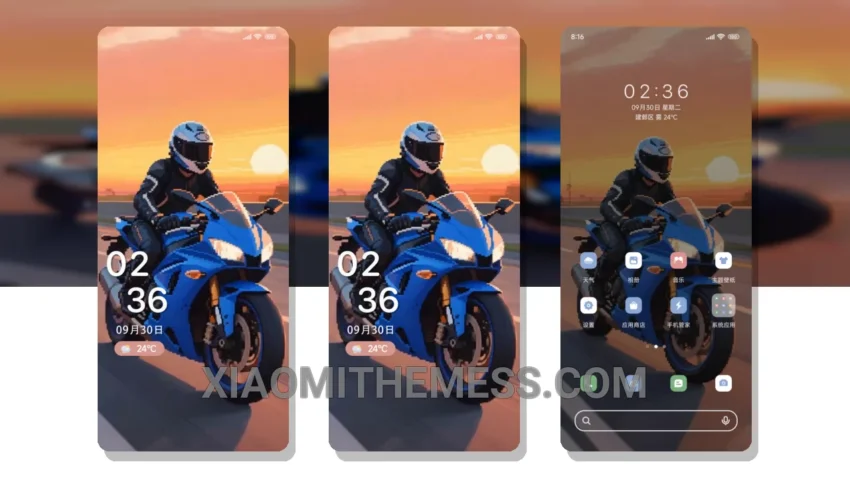
Simple. Elegant. Minimalist. These are the words that come to mind when I think of the Fondly State theme. No clutter, just a clean and pastel aesthetic that is easy on the eyes.
The Fondly State theme is fully compatible with HyperOS, MIUI 12, MIUI 13, and MIUI 14, making it a great choice for Xiaomi and Redmi phone users. One of the best things about this theme is its ability to provide a seamless and smooth animation experience, thanks to its 120Hz optimization.
I love how the theme’s dark mode optimization helps to reduce battery consumption, and the fact that it’s a lightweight theme means it won’t slow down my phone. The custom boot animation is also a nice touch, adding a bit of personality to my phone’s startup sequence.
The theme’s design is inspired by the idea of a fondly remembered state, with a focus on simplicity and elegance. The use of pastel colors and clean lines creates a visually appealing interface that is both calming and sophisticated.
In my testing, I found the Fondly State theme to be a great choice for those looking for a minimalist design that is both functional and aesthetically pleasing. To be honest, I’m really impressed with the theme’s performance and overall look and feel.
Theme Information
🛠️ How to Install This MTZ Theme
- Download the MTZ file to your device.
- Open the official Themes app and go to your profile.
- Import & Apply the downloaded file.