
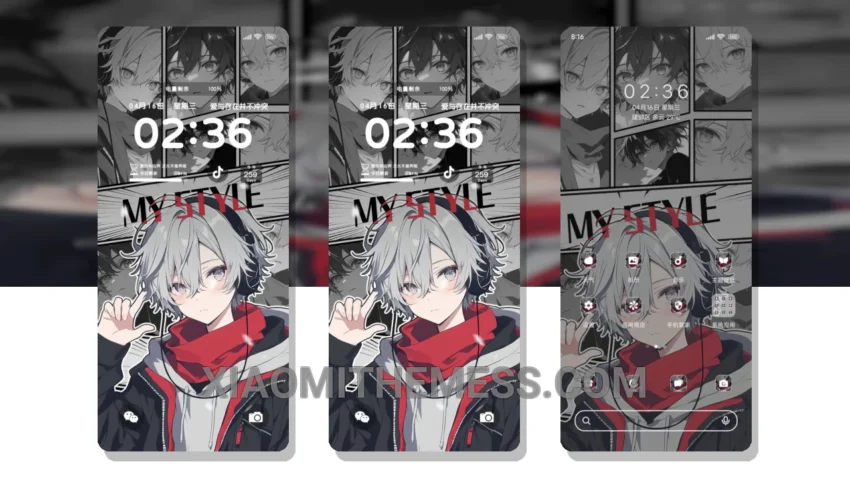
I love clean lines and pastel colors. The Within Reach theme, translated from the Chinese title 触手可及的虚拟, embodies these principles perfectly.
It’s all about simplicity. The theme is fully compatible with HyperOS, MIUI 12, MIUI 13, and MIUI 14, making it accessible to a wide range of users.
A major highlight of the Within Reach theme is its unique pastel aesthetic, which sets it apart from other themes. The design is elegant and sophisticated, making for a great user experience.
Another detail is the theme’s support for dark mode optimization, which helps conserve battery life and reduces eye strain. The theme is also lightweight, ensuring no battery drain and a lag-free experience.
However, one potential caveat is that the theme may not be as customizable as some users would like. Despite this, the theme’s simplicity and elegance make it a great choice for those looking for a clean and minimalist design.
In my testing, I found the Within Reach theme to be a great option for those who value simplicity and elegance. The theme’s unique pastel aesthetic and support for dark mode optimization make it a standout choice.
Theme Information
🛠️ How to Install This MTZ Theme
- Download the MTZ file to your device.
- Open the official Themes app and go to your profile.
- Import & Apply the downloaded file.