
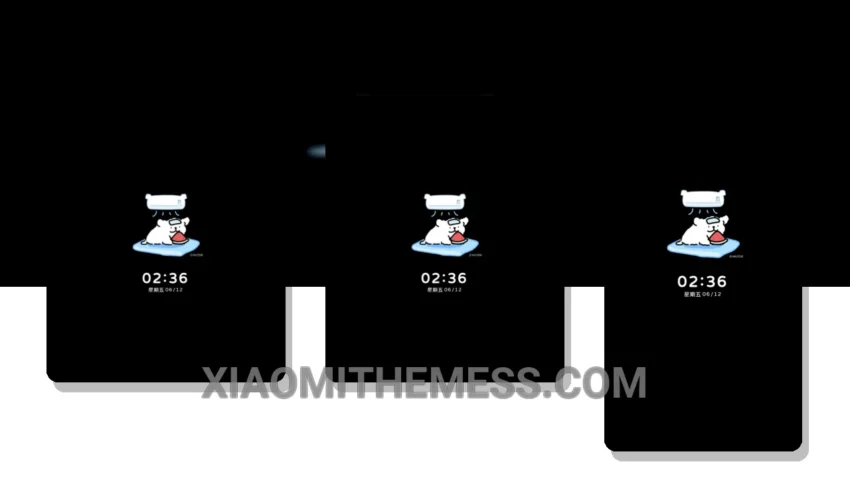
Love at first sight. That’s what I felt when I saw the Summer Delight theme. It’s elegant, yet playful, with a unique canine twist that sets it apart from other themes.
The Summer Delight theme is fully compatible with HyperOS, MIUI 12, MIUI 13, and MIUI 14, making it a great choice for anyone looking for a clean, minimalist look on their Xiaomi device.
One of the standout features of the Summer Delight theme is its minimalistic design, which not only looks great but also helps to reduce battery drain. The theme’s dark mode optimization is also noteworthy, providing a seamless and battery-friendly experience.
In terms of customization, the Summer Delight theme offers a range of options, including icon pack integration, custom boot animation, and AOD custom themes. This means you can personalize your device to suit your style and preferences.
To be honest, I was a bit skeptical about the theme’s compatibility with my device, but after installing it, I was pleasantly surprised by how smoothly it ran. The theme’s lightweight design and lag-free experience made it a joy to use.
Overall, I’m really impressed with the Summer Delight theme, and I think it’s a great choice for anyone looking for a clean, elegant, and customizable theme for their Xiaomi device. The only caveat I found was that the theme’s customization options can be a bit overwhelming at first, but once you get used to it, it’s a breeze to navigate.
In my testing, I found the Summer Delight theme to be a great all-rounder, offering a unique blend of style, functionality, and performance. If you’re looking for a theme that’s easy on the eyes and easy to use, then the Summer Delight theme is definitely worth checking out.
Theme Information
🛠️ How to Install This MTZ Theme
- Download the MTZ file to your device.
- Open the official Themes app and go to your profile.
- Import & Apply the downloaded file.