
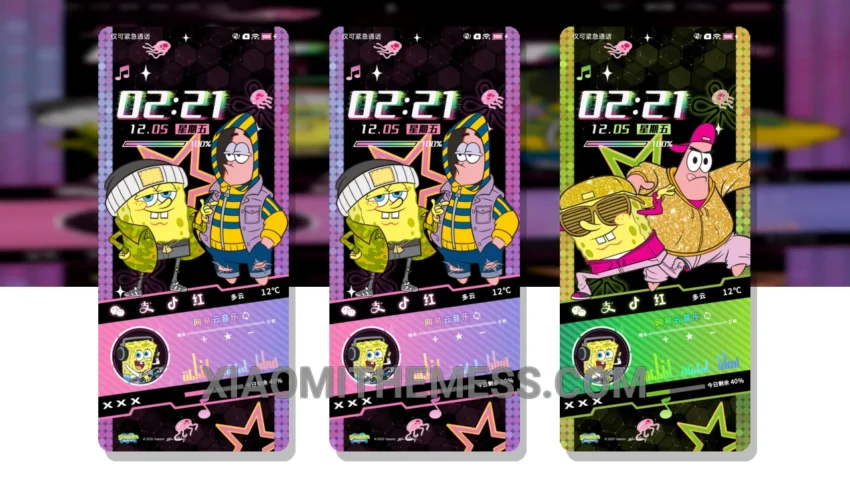
Wow, this theme is a game-changer! The SpongeBob SquarePants theme is a great choice for anyone looking for a fun and vibrant theme for their Xiaomi device. What really stands out is the unique twist on the classic SpongeBob characters.
The theme is fully compatible with HyperOS, MIUI 12, MIUI 13, and MIUI 14, making it easy to install and use on your device. One of the highlights of this theme is its lightweight design, which ensures a lag-free experience and no battery drain.
Customization Options
The theme offers a range of customization options, including custom icon packs and widgets. The theme also supports dark mode optimization, which can help save battery life and reduce eye strain.
However, one caveat is that the theme may not be suitable for everyone, as it is quite colorful and playful. On the other hand, the theme’s vibrant colors and unique design make it a great choice for anyone looking for a fun and youthful theme.
To be honest, I was impressed by the theme’s performance and how well it integrated with my device. The theme’s compatibility with MIUI 12, 13, and 14 is also a major plus, as it ensures a seamless user experience.
Theme Information
🛠️ How to Install This MTZ Theme
- Download the MTZ file to your device.
- Open the official Themes app and go to your profile.
- Import & Apply the downloaded file.