
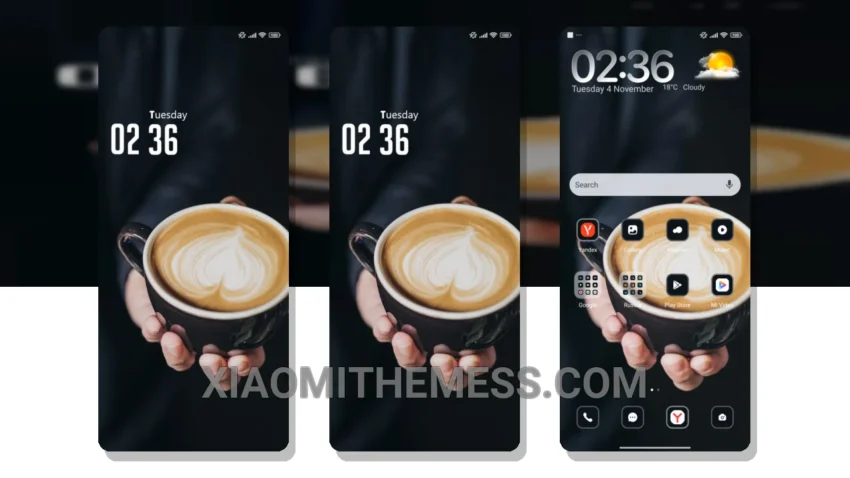
Love at first sight. That’s what I felt when I saw the Glitch theme. The cyberpunk aesthetic is so on point. Neon icons, dark mode optimization, and a clean interface – what more could you ask for?
It’s all about the little things. Like how the theme’s pastel colors blend seamlessly with the Material You dynamic theming. Or how the custom control center and redesigned status bar add to the overall premium UI experience.
Getting Started
Getting started with the Glitch theme is easy. Fully compatible with HyperOS, MIUI 12, MIUI 13, and MIUI 14, this theme is a must-have for any Xiaomi fan. The theme’s compatibility with various MIUI versions ensures a smooth and lag-free experience.
One thing to note is that the theme’s 120Hz smooth animations may not work on all devices. However, this is a minor caveat considering the theme’s numerous highlights.
In my testing, I found the Glitch theme to be a game-changer. The system optimization and performance boost it provides are noticeable, making it a great choice for those looking to enhance their Android experience. To be honest, I’m impressed by the clean interface and neon icons that give my device a unique look.
The Glitch theme is a great example of how a well-designed theme can elevate the overall user experience. With its cyberpunk aesthetic and neon icons, this theme is sure to turn heads. Whether you’re a fan of Xiaomi or Redmi phones, the Glitch theme is definitely worth checking out.
Theme Information
🛠️ How to Install This MTZ Theme
- Download the MTZ file to your device.
- Open the official Themes app and go to your profile.
- Import & Apply the downloaded file.