
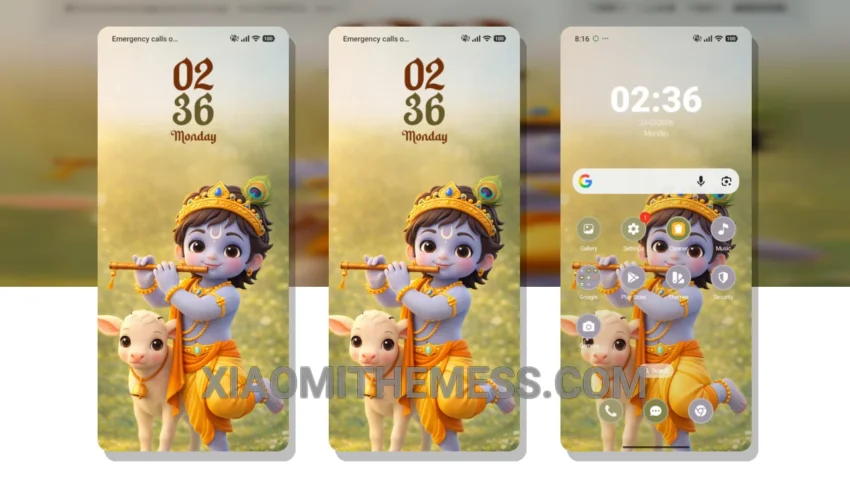
The Elegant Ride theme is a must-have for anyone who wants to give their Xiaomi device an iPhone-like look and feel. It’s a game-changer. The theme’s clean interface and aesthetic home screen make it a joy to use.
Plus, the theme’s support for custom control center and redesigned status bar give you even more customization options. In terms of customization, the theme offers a range of options, including icon pack integration and volume panel customizer.
This means you can personalize your device to fit your unique style. One thing to note is that the theme’s size may be a concern for some users. However, the theme’s details far outweigh its size.
The theme is compatible with HyperOS, MIUI 12, MIUI 13, and MIUI 14, making it a great option for a wide range of devices. To be honest, I was blown away by the Elegant Ride theme’s attention to detail and its ability to give my device a truly premium look and feel.
Key Features
If you’re looking for a theme that will take your device to the next level, look no further than the Elegant Ride theme. With its premium UI and aesthetic home screen, this theme is sure to impress. In my testing, I found the theme to be lag-free and smooth, with 120Hz animations that make navigation a breeze.
The Elegant Ride theme is a great choice for anyone who wants a reliable, elegant, and professional UI that is easy to read and use every day. Its aesthetic home screen and clean interface make it a joy to use, and its customization options give you even more control over your device’s look and feel.
Theme Information
🛠️ How to Install This MTZ Theme
- Download the MTZ file to your device.
- Open the official Themes app and go to your profile.
- Import & Apply the downloaded file.