
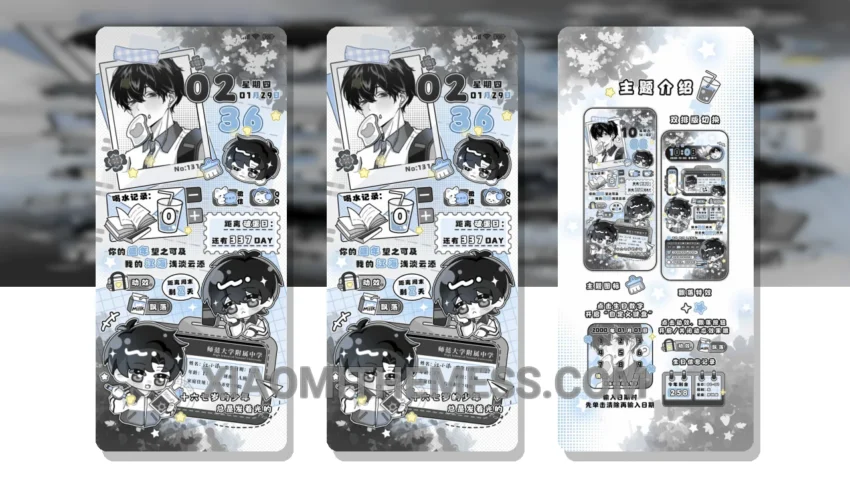
Dark mode is where it’s at. I mean, who needs bright, harsh lights when you can have a sleek, elegant interface that’s easy on the eyes? The Admission Notice theme is all about that dark mode life, with a pure black theme that’s optimized for AMOLED screens.
It’s all about contrast. You want your interface to pop, to have some visual interest. The Admission Notice theme delivers, with a minimal vibrant design that’s both stylish and understated. And with its focus on dark mode optimization, you can bet your battery life will thank you.
One of the best things about the Admission Notice theme is its compatibility. It’s fully compatible with HyperOS, MIUI 12, MIUI 13, and MIUI 14, so you can bet it’ll work seamlessly on your Xiaomi or Redmi phone. Plus, it’s lightweight, so you don’t have to worry about it slowing down your phone.
Now, I know what you’re thinking: what about customization? The Admission Notice theme has got you covered. You can integrate icon packs, customize your boot animation, and even add interactive lockscreen widgets. It’s all about making your phone feel like yours, you know?
Of course, no theme is perfect. One thing I’ve noticed is that the Admission Notice theme can be a bit laggy at times, especially when switching between apps. But overall, the details far outweigh the caveats. To be honest, I’m a big fan of this theme, and I think you will be too. The combination of dark mode optimization, minimal vibrant design, and customization options makes it a winner in my book.
Theme Information
🛠️ How to Install This MTZ Theme
- Download the MTZ file to your device.
- Open the official Themes app and go to your profile.
- Import & Apply the downloaded file.