
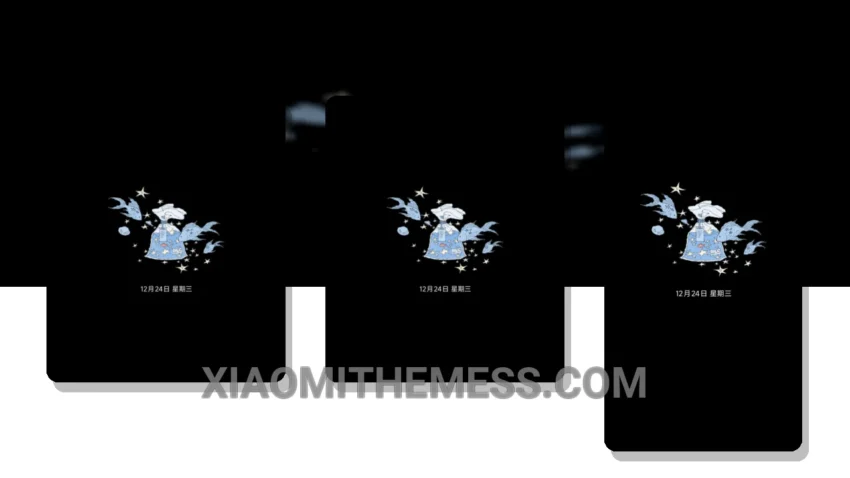
I love the simplicity of a well-designed dark mode theme. That’s why I’m excited about the Ins白日梦蓝 theme, which translates to ‘White Daydream Blue’ in English.
The theme is fully compatible with HyperOS, MIUI 12, MIUI 13, and MIUI 14, making it a great option for Xiaomi and Redmi device users.
The Ins白日梦蓝 theme provides a clean and elegant interface, with dark mode optimization that’s perfect for AMOLED screens. The theme’s lightweight design ensures a lag-free experience, making it ideal for heavy users.
One of the details of using the Ins白日梦蓝 theme is that it saves battery life. By using a dark mode theme, you can reduce the power consumption of your device, which is especially useful for heavy users. Additionally, the theme reduces eye strain, making it more comfortable to use your device for extended periods.
However, some users may find the dark mode too intense. But for those who prefer a more subtle look, the Ins白日梦蓝 theme is a great option.
Features and Customization
The theme supports custom control center and redesigned status bar, which adds to its overall aesthetic appeal. The Ins白日梦蓝 theme also allows for customization, including custom boot animation and icon pack integration.
In my testing, I found the theme to be very stable and smooth, with 120Hz smooth animations that make navigation a breeze.
To be honest, I’m impressed with the Ins白日梦蓝 theme. It’s a great option for those looking for a clean and elegant dark mode theme that’s compatible with Xiaomi and Redmi devices.
Theme Information
🛠️ How to Install This MTZ Theme
- Download the MTZ file to your device.
- Open the official Themes app and go to your profile.
- Import & Apply the downloaded file.