
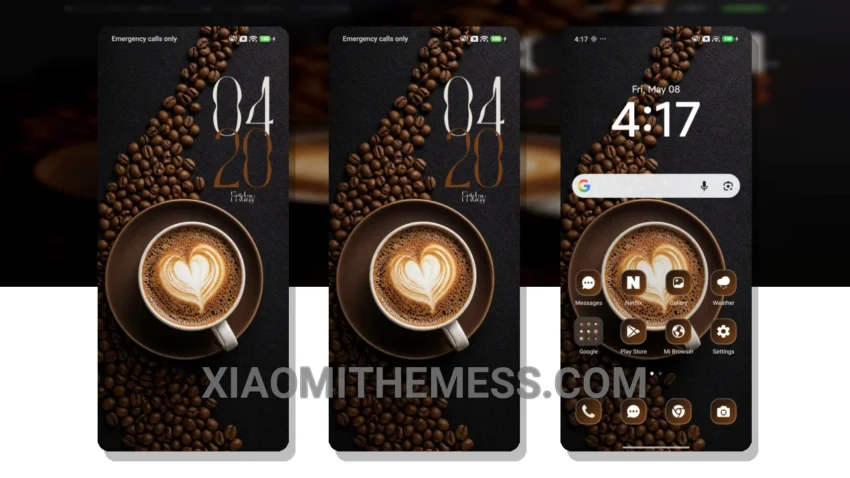
Theme Title: Bean Aesthetic ?☕ MTZ theme and How To Apply MTZ Theme
Author: Piyush KPV
Size: 9.85 MB
Compatibility: HyperOS, MIUI 12, MIUI 13, MIUI 14
This is a great Xiaomi theme. Translate the theme title to English if it is in Chinese.
Theme Information
Theme TitleBean Aesthetic ?☕ MTZ theme and How To Apply MTZ Theme
AuthorPiyush KPV
Size9.85 MB
CompatibilityHyperOS, MIUI 12, 13, 14
Views5
Rating⭐ 5.0 / 5.0 (1 votes)
🛠️ How to Install This MTZ Theme
- Download the MTZ file to your device.
- Open the official Themes app and go to your profile.
- Import & Apply the downloaded file.