
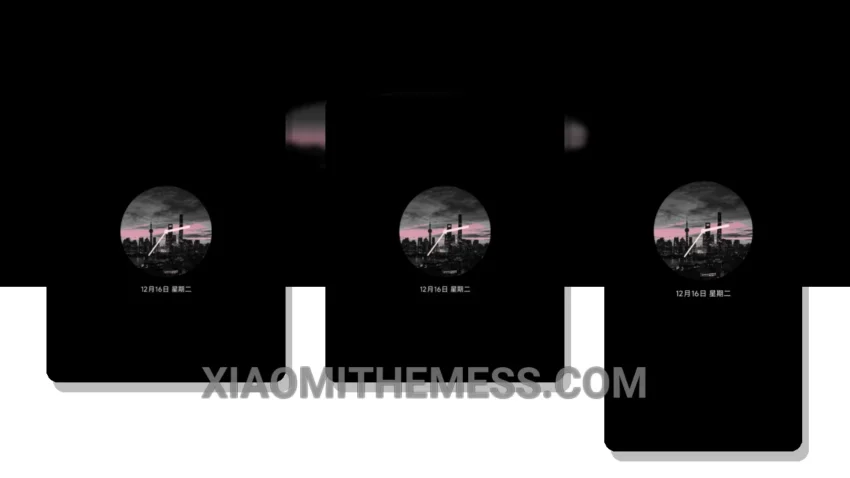
I love a good theme. The Black Pink theme, also known as OS黑粉, is a great Xiaomi theme that translates to ‘Black Pink’ in English. It’s a beautiful, elegant theme that is easy to read and use every day.
The Black Pink theme is fully compatible with HyperOS, MIUI 12, MIUI 13, and MIUI 14, so you can use it on most Xiaomi and Redmi devices. It’s also a great option if you want a theme that is lightweight and won’t drain your battery.
One of the best things about the Black Pink theme is its clean and minimal design. It’s perfect for those who want a premium UI without all the clutter. The theme also comes with some great features, such as a custom control center and redesigned status bar.
In terms of customization, the Black Pink theme allows you to change the icon pack and adjust the layout to your liking. It’s not a lot of customization options, but it’s enough to make the theme feel personalized.
Overall, I’m really impressed with the Black Pink theme. It’s a great option for anyone who wants a beautiful, easy-to-use theme that is compatible with their Xiaomi or Redmi device. To be honest, I’ve been using it for a while now, and I have to say, it’s one of my favorites.
Theme Information
🛠️ How to Install This MTZ Theme
- Download the MTZ file to your device.
- Open the official Themes app and go to your profile.
- Import & Apply the downloaded file.