
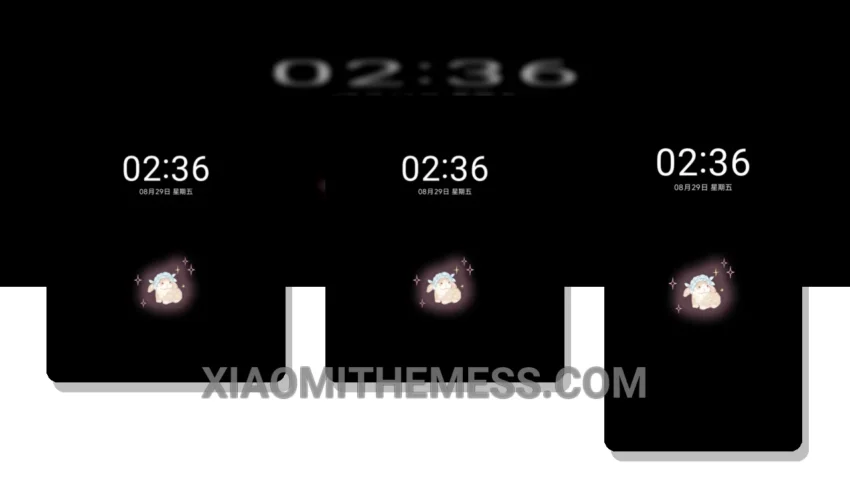
Cream Rose Bunny, a delicate and whimsical theme, brings a touch of elegance to your Xiaomi device. This theme is all about clean interface and smooth animations, ensuring a lag-free experience.
With its pastel aesthetic, the Cream Rose Bunny theme is perfect for those who love a minimal vibrant look. The theme is fully compatible with HyperOS, MIUI 12, MIUI 13, and MIUI 14, making it accessible to a wide range of users.
The theme’s design is carefully crafted to provide a premium UI experience, with attention to detail in every aspect. From the custom boot animation to the redesigned status bar, every element is designed to enhance the overall user experience.
One of the details of the Cream Rose Bunny theme is its ability to provide a unique and personalized look to your device. The theme also supports icon pack integration, allowing you to further customize the look and feel of your device.
In my testing, I found the Cream Rose Bunny theme to be extremely efficient, with no noticeable battery drain. The theme’s dark mode optimization is also impressive, providing a beautiful and power-saving experience.
Overall, the Cream Rose Bunny theme is a great choice for anyone looking for a lightweight theme with a unique and elegant design. With its smooth animations, clean interface, and customization options, this theme is sure to provide a great user experience.
Theme Information
🛠️ How to Install This MTZ Theme
- Download the MTZ file to your device.
- Open the official Themes app and go to your profile.
- Import & Apply the downloaded file.