
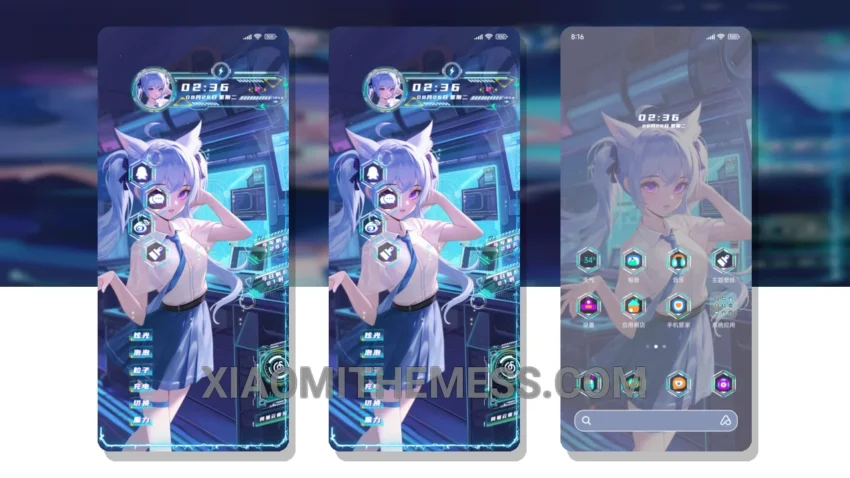
Simple. Elegant. The Future Girl theme is a great Xiaomi theme that embodies the spirit of minimalism. Clean lines, pastel colors, and an uncluttered home screen make for a truly aesthetic experience.
The Future Girl theme is fully compatible with HyperOS, MIUI 12, MIUI 13, and MIUI 14, ensuring a seamless user experience across different devices. One of its key highlights is the lightweight design, which prevents battery drain and ensures a lag-free experience.
The theme’s pastel aesthetic is both soothing and visually appealing, making it perfect for those who appreciate a clean and minimalist design. The use of neon icons adds a touch of vibrancy to the overall design, creating a beautiful contrast with the pastel background.
In terms of customization, the Future Girl theme offers a range of options, including icon pack integration and custom boot animation. However, the theme’s limited support for advanced widgets is a caveat that may deter some users.
To be honest, I was impressed by the theme’s performance and how it enhanced my overall user experience. The 120Hz smooth animations and system optimization made for a truly premium UI experience.
Theme Information
🛠️ How to Install This MTZ Theme
- Download the MTZ file to your device.
- Open the official Themes app and go to your profile.
- Import & Apply the downloaded file.