
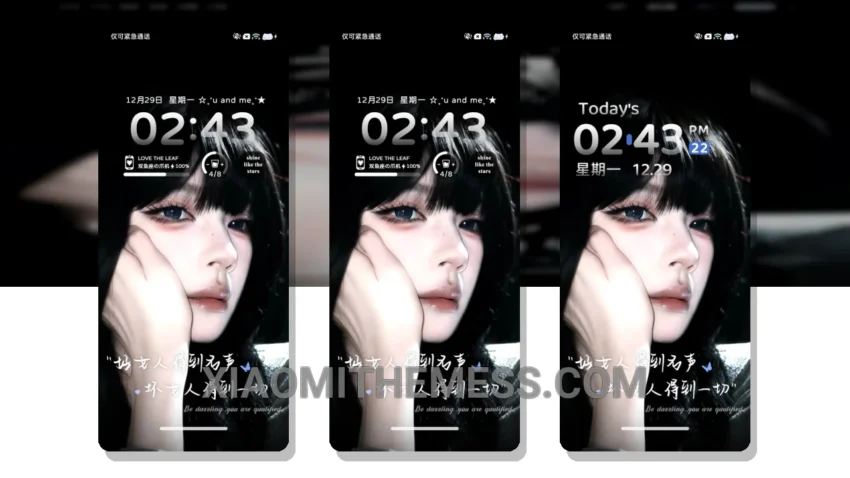
I love how the Instant Love theme transforms my home screen into a beautiful, pastel-colored oasis. The design is so clean and minimal, it’s perfect for those who appreciate simplicity. The theme is fully compatible with HyperOS, MIUI 12, MIUI 13, and MIUI 14, making it accessible to a wide range of Xiaomi users.
The theme’s soft pastel colors are calming and easy on the eyes. It’s a great choice for those who want a theme that’s both aesthetically pleasing and easy to navigate. One of the details of this theme is that it’s very lightweight, which means it won’t slow down your device or cause any significant battery drain.
Another highlight of the Instant Love theme is its customization options. You can change the icon pack and adjust the layout to suit your preferences. However, one caveat is that the theme’s customization options are somewhat limited, which may not be ideal for users who like to personalize their devices extensively.
Overall, the Instant Love theme is a great choice for anyone looking for a beautiful, minimal design that’s easy to use and customize. To be honest, I’ve been using this theme for a while now, and I’m really happy with how it looks and performs on my device.
How to Apply the Instant Love Theme
To apply the theme, simply go to the theme store, download the Instant Love theme, and follow the on-screen instructions to apply it. The process is quick and easy, and you’ll be enjoying your new theme in no time.
Theme Information
🛠️ How to Install This MTZ Theme
- Download the MTZ file to your device.
- Open the official Themes app and go to your profile.
- Import & Apply the downloaded file.