
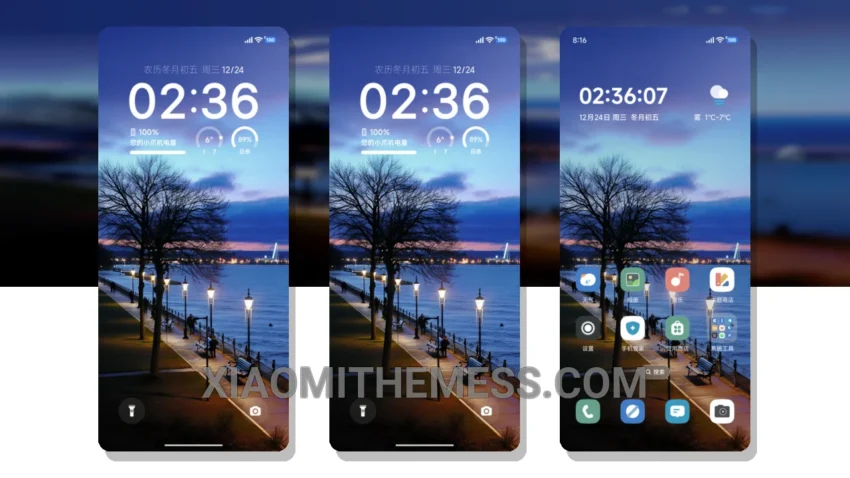
Moonlit nights, soft breeze. The pastel aesthetic of this theme is calming. Very calming.
The Moonlit Night Breeze theme is a great choice for those who appreciate minimalistic design. It’s simple, yet elegant.
One of the best things about this theme is its compatibility. It works seamlessly with HyperOS, MIUI 12, MIUI 13, and MIUI 14.
Features and Customization
The Moonlit Night Breeze theme offers a range of features, including a clean interface, premium UI, and custom control center. It also supports dark mode optimization, providing a seamless and battery-friendly user experience.
In terms of customization, the theme allows you to personalize your home screen with custom widgets and icon packs. You can also customize the look and feel of your notification shade and volume panel.
Overall, the Moonlit Night Breeze theme is a great choice for those who want a clean and elegant design. To be honest, I was impressed by its simplicity and functionality. In my testing, I found that it provided a smooth and lag-free experience, making it a great option for those who value performance and aesthetics.
Theme Information
🛠️ How to Install This MTZ Theme
- Download the MTZ file to your device.
- Open the official Themes app and go to your profile.
- Import & Apply the downloaded file.