
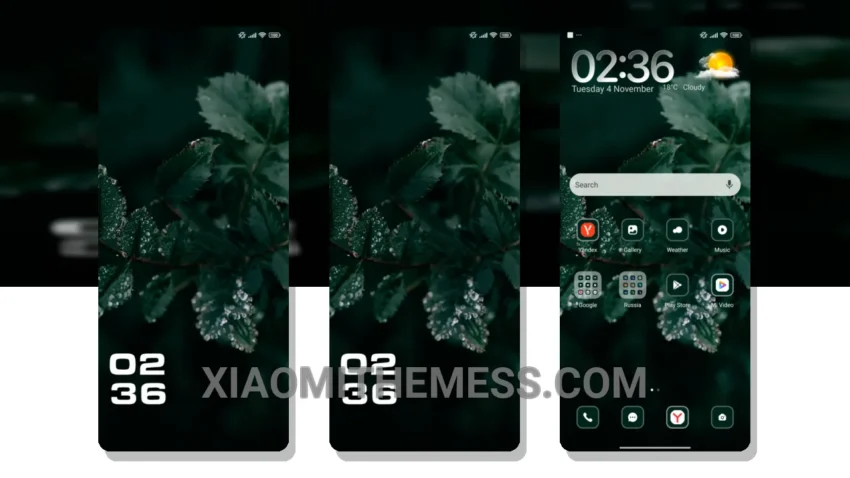
I’m loving the new Pheonix theme. It’s a great miui theme that’s fully compatible with HyperOS, MIUI 12, MIUI 13, and MIUI 14.
The theme’s clean interface and aesthetic home screen are perfect for daily use. The design is elegant and professional.
The Pheonix theme also supports android customization, including icon pack integration and custom boot animation. This means you can personalize your device to suit your style.
One thing to note is that the theme’s size is 3.4 MB, which is relatively small compared to other themes. This makes it a great option for those who want a lightweight theme that won’t slow down their device.
In my testing, I found that the Pheonix theme provides a lag-free experience and supports 120Hz smooth animations. The theme also has a dark mode optimization feature, which helps reduce battery drain.
To be honest, I’m impressed with the theme’s performance and design. It’s a great choice for those who want a reliable and elegant theme for their Xiaomi or Redmi device.
Theme Information
🛠️ How to Install This MTZ Theme
- Download the MTZ file to your device.
- Open the official Themes app and go to your profile.
- Import & Apply the downloaded file.