
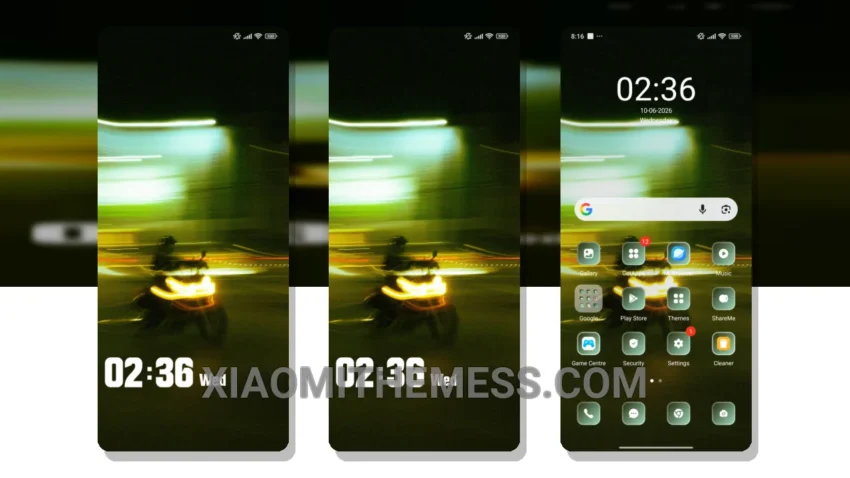
I love the clean, stock Android experience. The Blurry theme is a great way to give your Xiaomi device a sleek, iPhone-like look. What really stands out is the theme’s ability to provide a lag-free experience, thanks to its lightweight design and focus on system optimization.
The Blurry theme’s aesthetic is all about minimalism, with a focus on pastel colors and a clean, clutter-free design. If you’re looking for a theme that will give your device a premium UI, the Blurry theme is definitely worth considering.
Customization Options
In terms of customization, the Blurry theme offers a range of options, including the ability to change icon packs, customize the control center, and more. This makes it a great option for those who like to personalize their device.
One potential caveat of the Blurry theme is that it may not be as feature-rich as some other themes on the market. However, for those who value a clean and simple design, this is unlikely to be a major issue.
To be honest, I’ve been really impressed with the Blurry theme. The combination of its sleek design, lightweight functionality, and customization options make it a great choice for anyone looking to give their Xiaomi device a fresh new look.
Theme Information
🛠️ How to Install This MTZ Theme
- Download the MTZ file to your device.
- Open the official Themes app and go to your profile.
- Import & Apply the downloaded file.